Windows desktop coach
Interview help that feels like magic
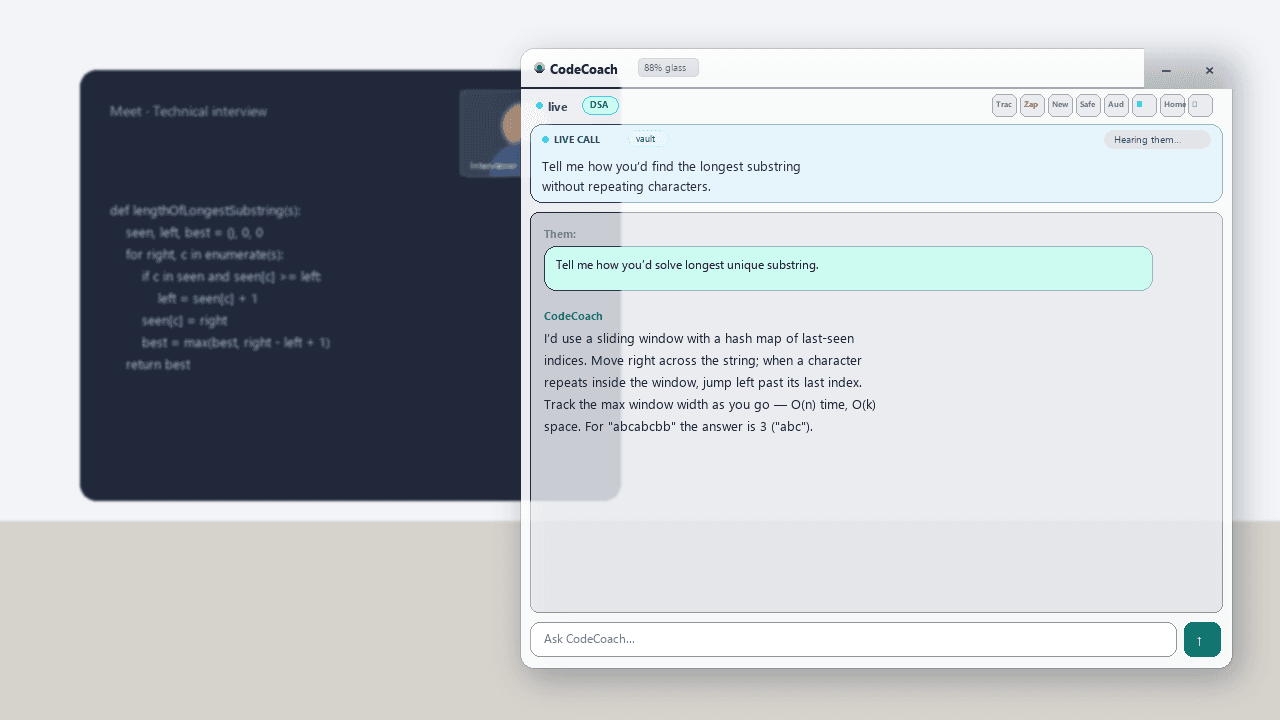
Capture a coding window. Get explanations and paste-ready code in a floating HUD. Live Call drafts answers you can read aloud — grounded in your vault.
Windows 10/11 · same login on web + desktop · Mac not available yet
Instant capture
Account-secured AI
Tech · Non-Tech · General
Tech interviewsNon-Tech interviewsLive Call AssistPaste-ready codeKnowledge vault8-min free trialWindows 10/11First-person answersCtrl+Shift+K voiceTech interviewsNon-Tech interviewsLive Call AssistPaste-ready codeKnowledge vault8-min free trialWindows 10/11First-person answersCtrl+Shift+K voice
Capabilities
Built for the moments that matter in a live interview
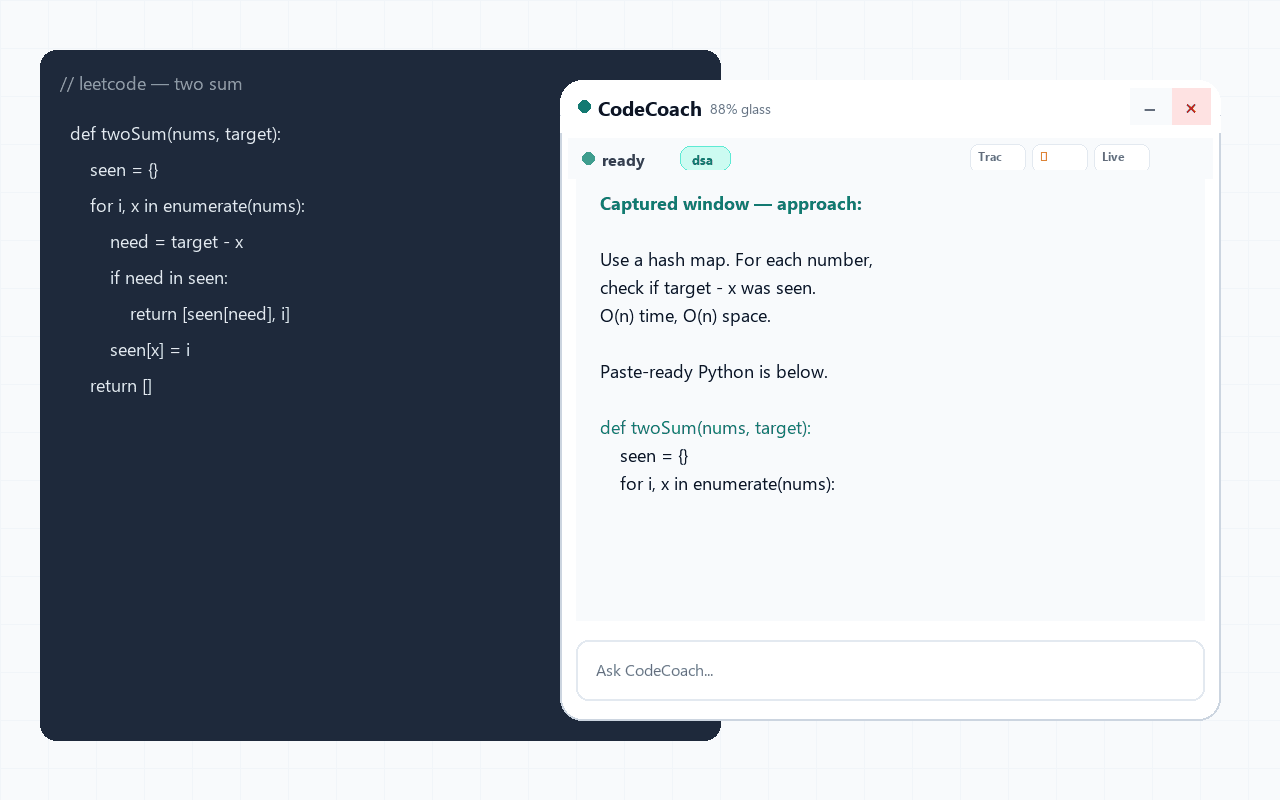
Capture
Screen capture
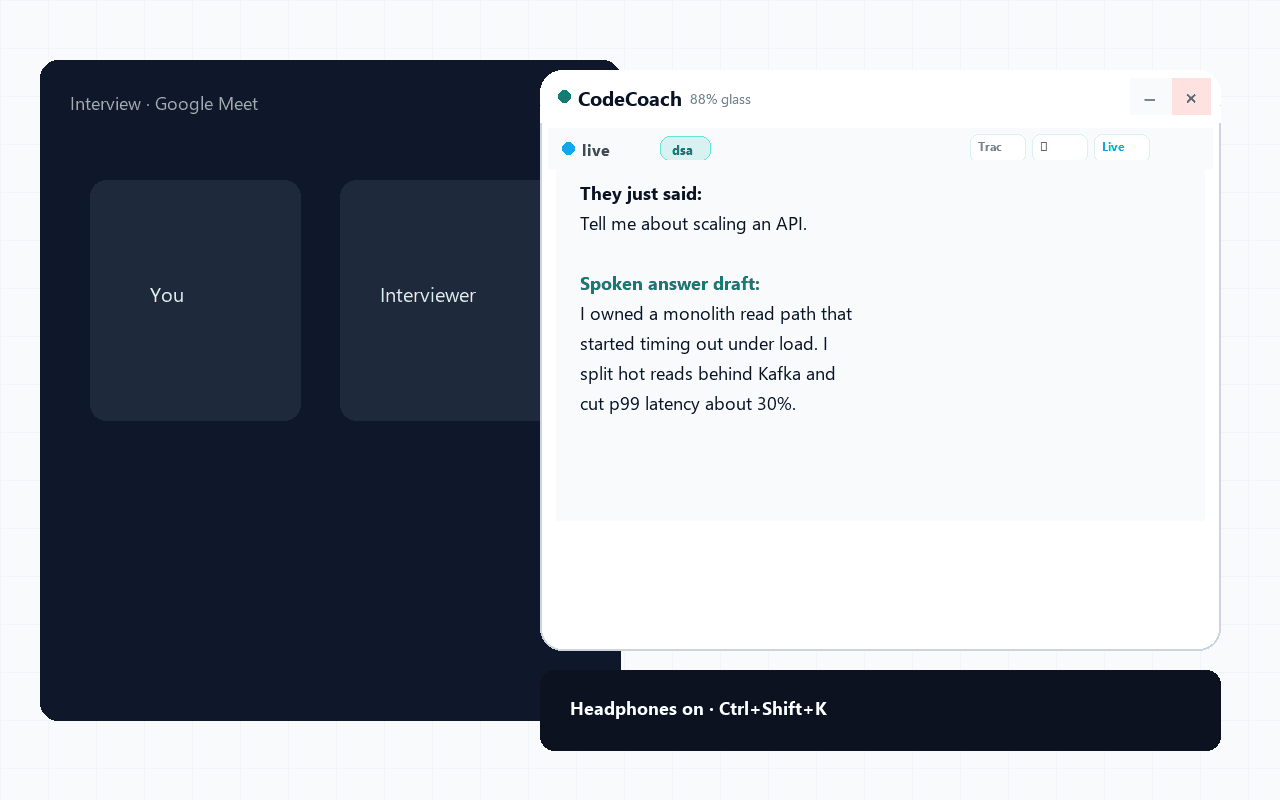
Voice
Live Call Assist
Personal
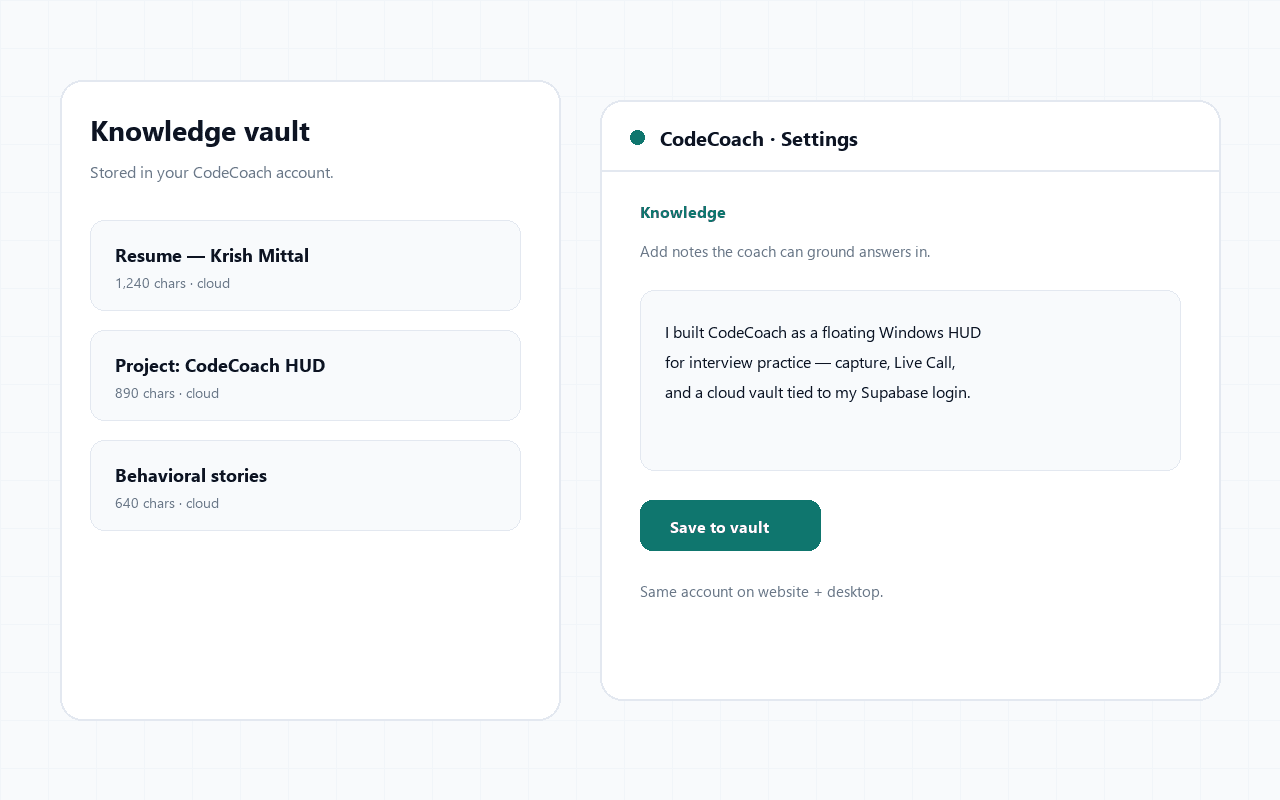
Cloud knowledge vault
How to use
From signup to Live Call in minutes
Open the interactive tour with real product screens — not a wall of text.
Muscle memory
Keyboard-first when it counts
Once a meeting or free trial is active, these shortcuts work from the floating HUD — even while another window is focused.
Designed for speed in live rounds
Ctrl+Shift+QCapture tracked windowCtrl+Shift+KVoice / Live Call on-offCtrl+Shift+NNew problem (keep window)Ctrl+SpaceHide / show HUDCtrl+↑ / ↓Scroll chatCtrl+EnterSend chat
Start free
Create an account. Install. Feel the HUD.
8-minute all-feature trial. Then meeting packs when you're ready. One login for website and Windows.